
Copilot for contracts, connected to your CLM
Summize’s contract lifecycle management platform connects to Copilot via MCP, so you can ask questions about your contracts and get answers grounded in structured, governed data – without leaving the assistant you already use.
Query your data in plain language
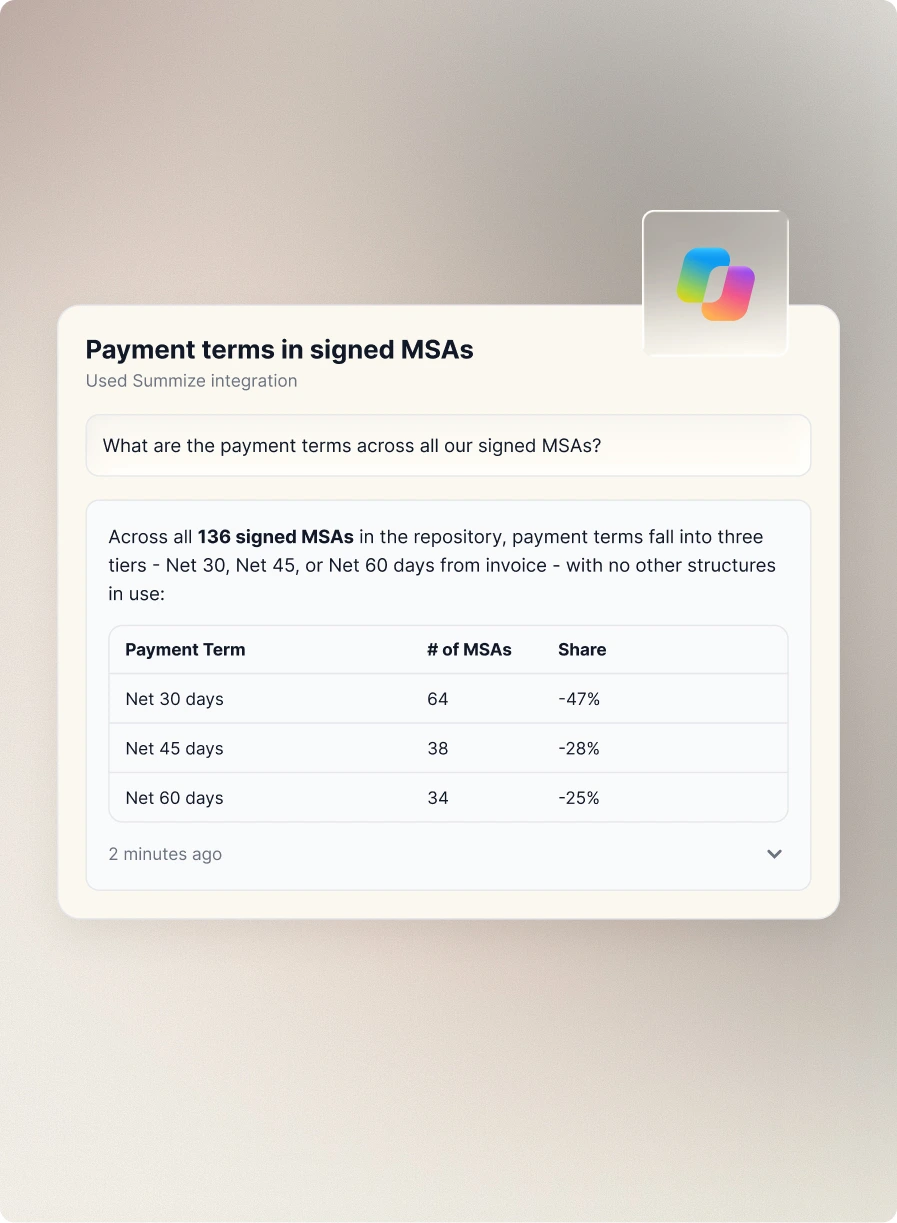
Get answers about your contracts without leaving Copilot.
Once your contracts are in Summize, Copilot can answer questions like "What are the payment terms across all our signed MSAs?" or "Open the Acme master services agreement and tell me the renewal date and liability cap." No searching through folders, no pasting documents in – just ask.
Governed by design
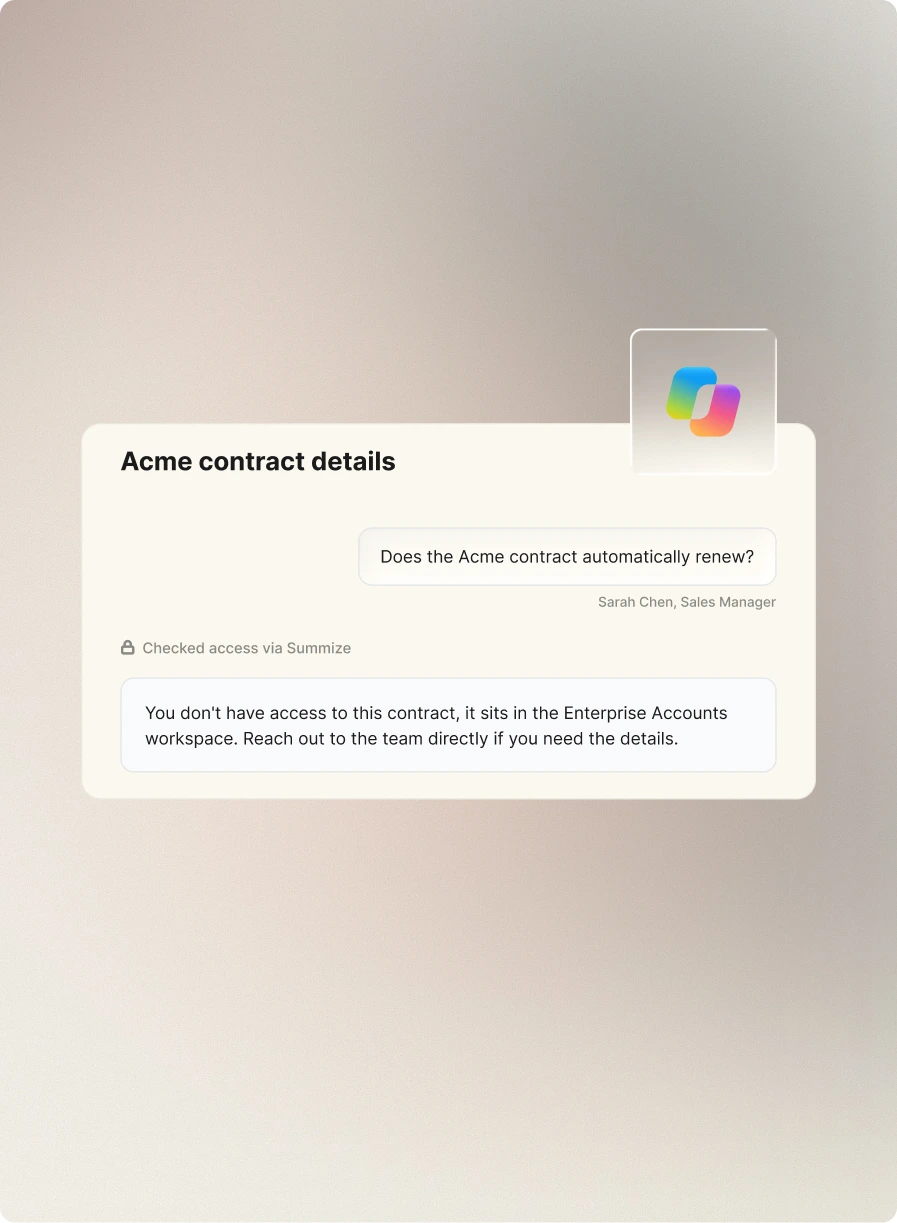
Copilot only ever sees what a user is already permitted to see.
There's no separate access model to set up. Permissions are set once in Summize and carry straight through – so legal doesn't have to manage a new layer of governance just because the question came through an AI assistant.
Grounded in your contract data, not the general internet
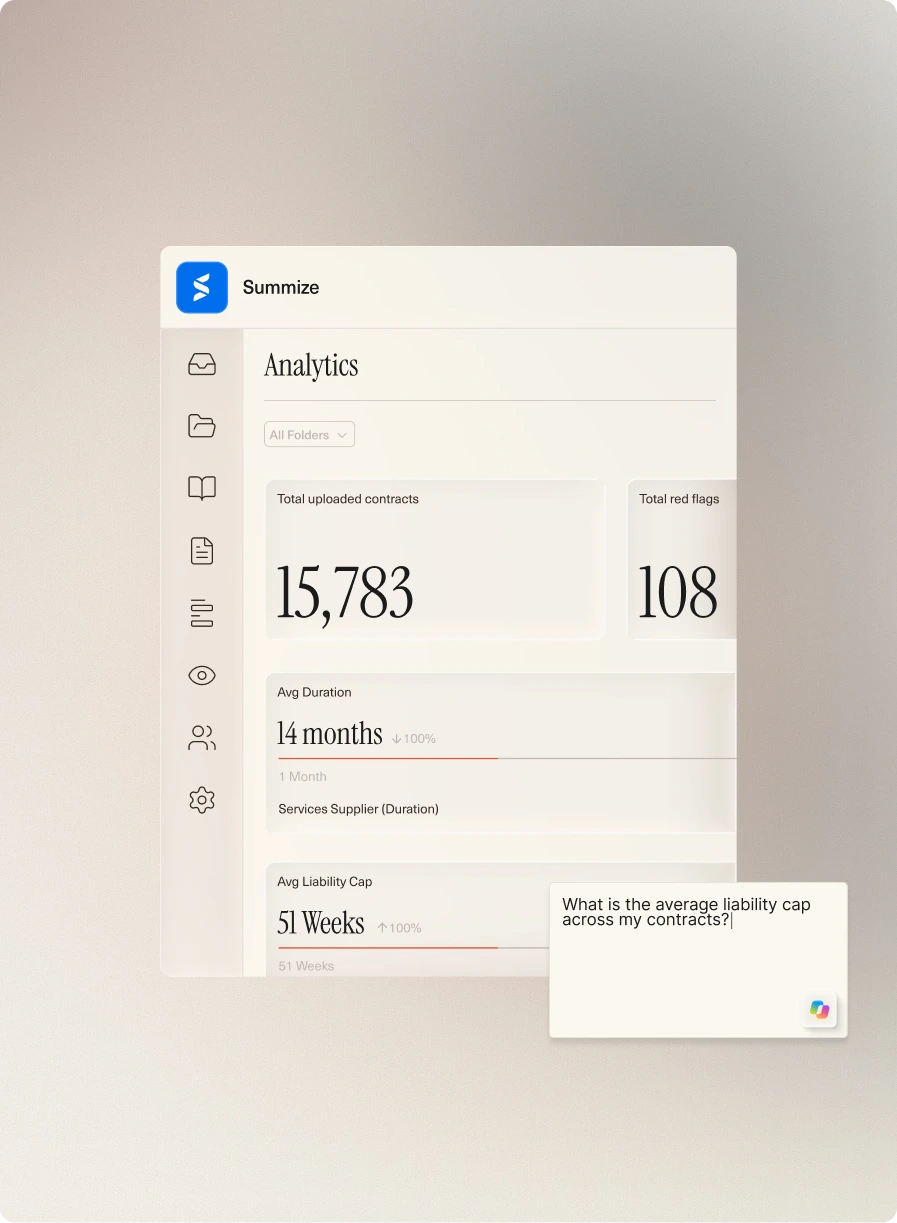
Every answer traces back to a real agreement in your CLM.
Summize extracts and structures contract data as part of how the platform works. Copilot for contracts draws on that same structured data, so answers are grounded in your actual agreements – without the token cost or length limits of uploading full contracts every time.
Benefit from even more integrations

Copilot for contracts – frequently asked questions